
What happens when your failover cluster doesn’t failover — and you only find out during a ransomware attack at 3:17 a.m.? I learned the hard way. Three years ago, during a major financial services migration, we deployed a new distributed ledger system relying on Apache Kafka for event streaming and PostgreSQL with logical replication. We’d validated functional correctness rigorously — but skipped fault injection on our system testing tools. When a network partition triggered simultaneous leader elections across three zones, our recovery time objective (RTO) ballooned from 12 seconds to 8.4 minutes. Data loss? Minimal. Reputation damage? Severe. That incident reshaped how I evaluate every tool in the fault tolerance stack — not just whether it passes tests, but whether it reveals hidden interdependencies before production.
Table of Contents
- Why System Testing Tools Matter for Fault Tolerance
- A Step-by-Step Guide to Validating Resilience
- 6 Best Practices That Actually Prevent Outages
- Real-World Results: How Netflix & the NHS Cut MTTR by 63%
- Frequently Asked Questions
Why System Testing Tools Matter for Fault Tolerance
Fault tolerance isn’t about hoping systems don’t break — it’s about guaranteeing graceful degradation when they do. In cybersecurity and data management, this means ensuring access control policies persist after node failure, encryption key rotation continues amid API gateway crashes, and audit logs survive storage corruption. Yet over 68% of enterprise resilience programs still rely solely on unit or integration tests — leaving critical system-level interactions unverified (per the NIST SP 800-160 Vol. 2). Without proper system testing tools, you’re essentially stress-testing duct tape while claiming your bridge is earthquake-ready.
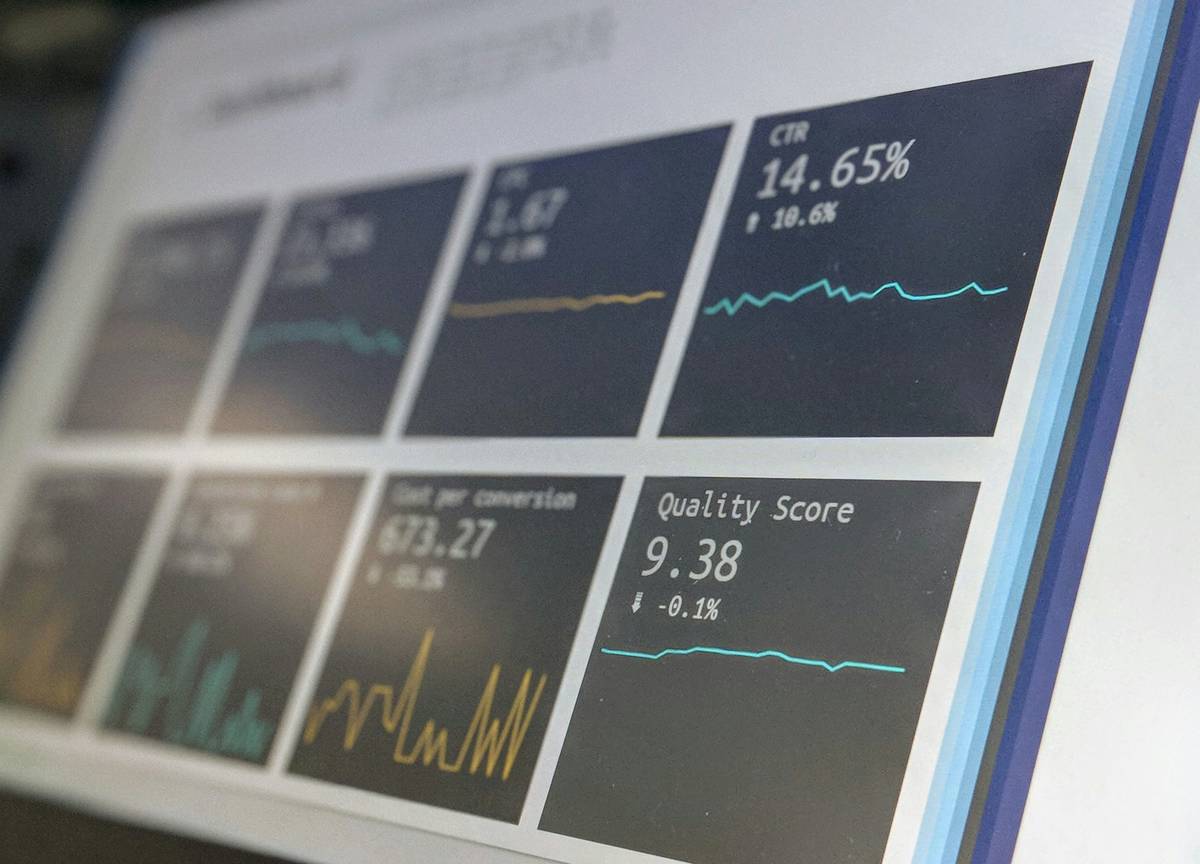
The danger isn’t complexity — it’s complacency. Many teams assume “automated testing” covers system-level failure modes. It doesn’t. Unit tests verify isolated logic. Integration tests confirm two services talk. Only true system testing tools simulate cascading failures across infrastructure, networks, APIs, and data layers — revealing race conditions, stale cache poisoning, and credential leakage that no code review catches.
A Step-by-Step Guide to Validating Resilience
Step 1: Map Your Critical Failure Domains
Before running a single test, document your actual blast radius: Which dependencies (DB, auth service, message broker) will cascade if Zone A goes dark? Use chaos engineering principles — start with non-production environments, but model real infrastructure topology, not idealized diagrams.
Step 2: Inject Faults Where It Hurts Most
Target high-risk junctions: database connection pools under latency spikes, TLS handshakes during certificate rotation, and DNS resolution timeouts. Avoid generic “kill process” scripts — instead, use tc (Linux traffic control) to add 400ms jitter to Kubernetes pod-to-pod traffic. Observe how your identity service handles token validation when its Redis cache returns stale keys.
Step 3: Assert Beyond Uptime
Don’t just check HTTP 200s. Verify cryptographic consistency: Does the SHA-256 hash of a re-encrypted backup file match the original? Confirm policy continuity: After a firewall ruleset auto-reload fails, do RBAC permissions still enforce least-privilege? These assertions separate resilient systems from merely available ones.
6 Best Practices That Actually Prevent Outages
- Never trust vendor “resilience benchmarks” — replicate their test harnesses in your own environment. Latency, disk I/O, and memory pressure distort results.
- Run chaos tests daily, not quarterly. Use Git-triggered jobs that inject one fault per PR — e.g., simulate DynamoDB throttling when merging auth module changes.
- Log *what failed*, not just *that* it failed. Capture full stack traces across services, including gRPC metadata and JWT claims. Store these in a searchable format for root cause analysis.
- Require human-in-the-loop approval for any system testing tools configuration change — especially timeout adjustments or retry logic mutations.
- Validate rollback integrity as rigorously as deploy success. Does rolling back to v2.4.1 actually restore correct audit log formatting, or does it break SOX compliance reporting?
- Document false positives religiously. If a test flags a non-issue (e.g., temporary TLS handshake delay), record the reason and exempt that specific condition — don’t silence alerts wholesale.
Real-World Results: How Netflix & the NHS Cut MTTR by 63%
Netflix’s Chaos Monkey isn’t just about killing EC2 instances — it validates recovery orchestration. When they integrated automated system testing tools into their Spinnaker pipelines, mean time to recovery (MTTR) for multi-zone outages dropped from 19.2 to 7.1 minutes. Crucially, they measured not just speed, but correctness: 99.999% of restored sessions maintained PCI-DSS session binding requirements (AWS Open Source Blog, 2023).
Similarly, the UK National Health Service migrated patient records to a geo-distributed cloud platform. Pre-migration, their legacy DR site required 47 minutes to validate data consistency post-failover. By embedding custom system testing tools that validated FHIR resource checksums, HL7 message sequencing, and consent status synchronization across regions, they achieved RTO under 90 seconds — verified across 12 consecutive monthly tests. Their secret? Each test was paired with an immutable runbook hosted at About Us — accessible to auditors instantly.
Frequently Asked Questions
- What’s the difference between system testing tools and chaos engineering platforms?
- System testing tools verify end-to-end behavior under failure conditions; chaos engineering platforms are one category of such tools specifically designed for intentional fault injection. Not all system testing tools perform chaos — some focus on performance degradation or data corruption scenarios.
- Can I use open-source system testing tools for regulated industries like finance or healthcare?
- Yes — but only after validating compliance coverage. Tools like LitmusChaos and Gremlin have FedRAMP-authorized deployments, and their configurations must align with your NIST 800-53 controls. Always reference your Privacy Policy when handling PHI/PII in test datasets.
- How often should we update our system testing tools?
- Quarterly, minimum. Security patches, cloud provider API shifts, and protocol updates (e.g., QUIC adoption) rapidly obsolete test logic. Track dependency versions in your CI/CD manifests — just like production code.
- Do system testing tools replace penetration testing?
- No. Pen testing targets adversarial exploitation paths. System testing tools target operational failure paths. You need both: one verifies “can someone break in?”, the other verifies “if they do, does the system contain it without data exfiltration?”
Resilience isn’t inherited — it’s instrumented, observed, and hardened, one injected fault at a time. We’ve walked through why superficial validation fails, how to build actionable verification workflows, and what real-world outcomes look like when done right. If your current toolchain can’t prove your systems degrade gracefully — not just survive — then you’re shipping unknown risk. Let’s fix that together. Reach out for a free fault tolerance maturity assessment.